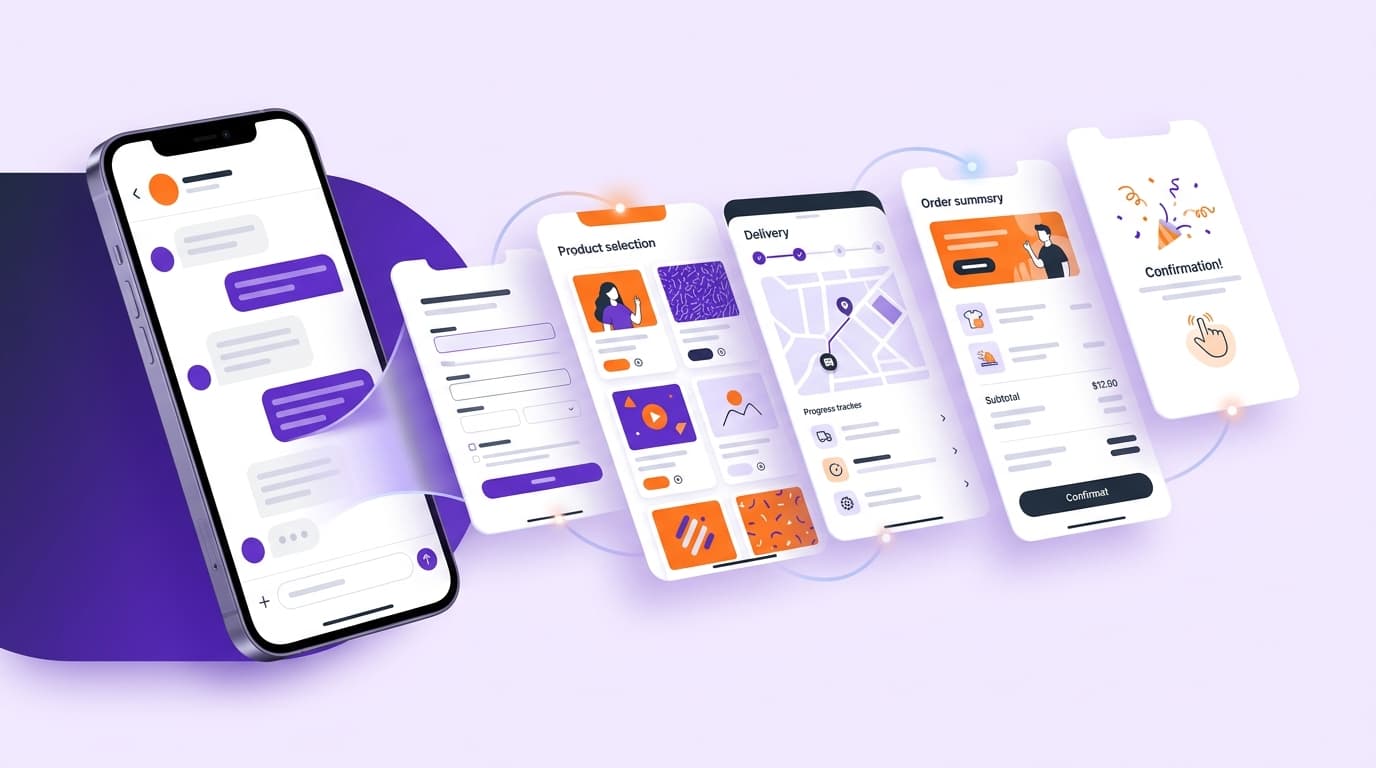
A WebApp opened inside WhatsApp helps a customer complete one focused task without leaving the conversation: filling out a form, selecting a product, requesting a quote, asking for an appointment, or submitting a preliminary order. The experience works best when the flow stays short and the resulting record is connected to the team’s operations.
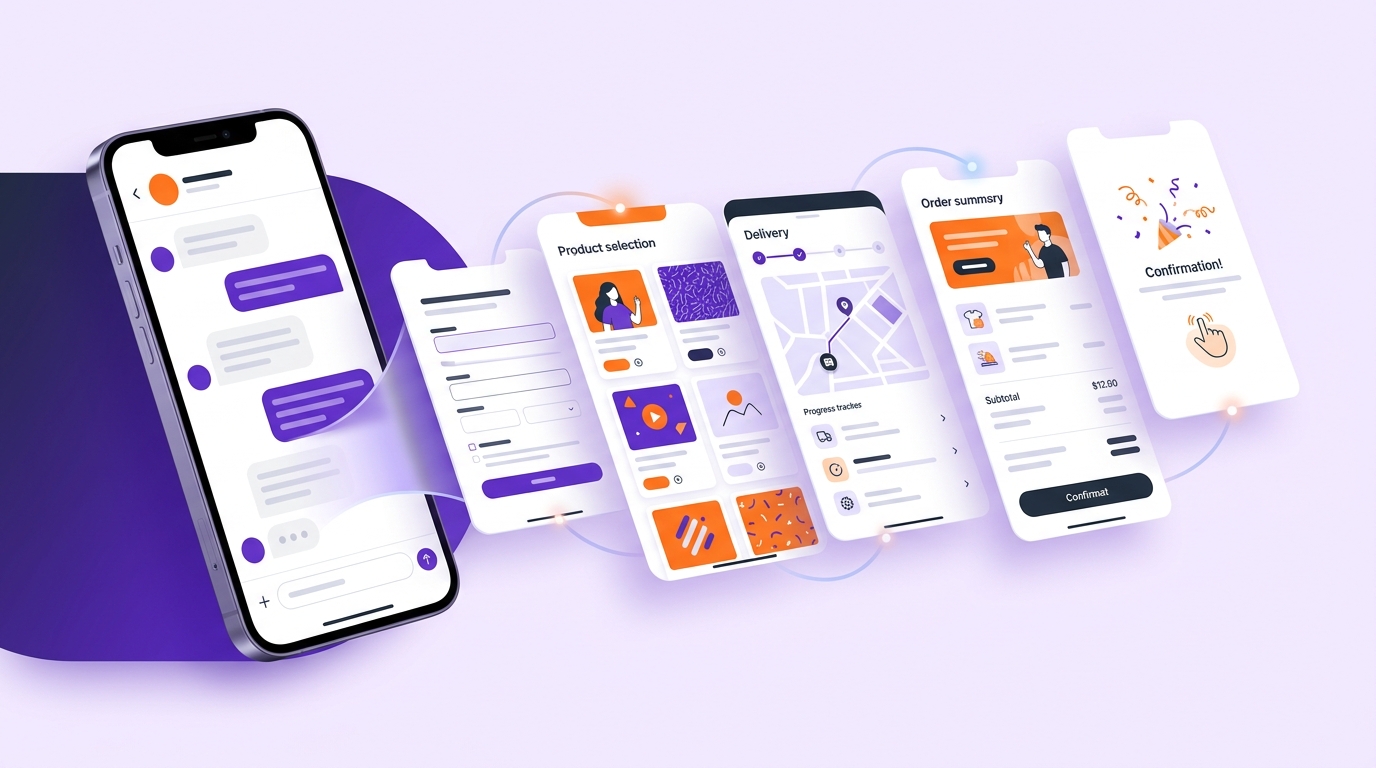
What is a WebApp inside a WhatsApp chat?
Here, WebApp does not mean the WhatsApp Web desktop application. It is an interactive experience opened from a chat, combining selection, data entry, review, and submission. WhatsApp Flows may support multi-step patterns like these, but available components depend on account setup, Meta requirements, region, and current documentation.
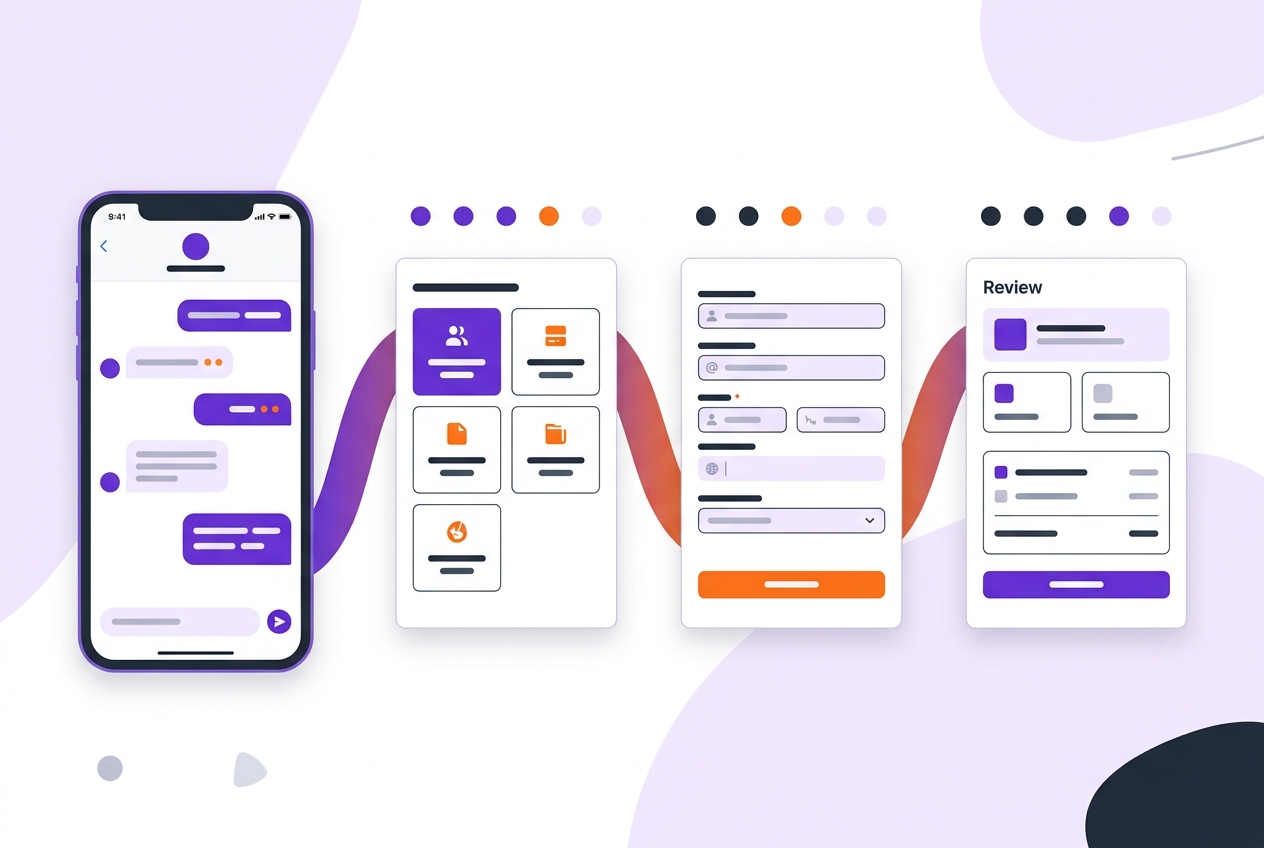
A button or list may be enough for one quick choice. Consider a multi-screen Flow/WebApp when you need several fields, conditional steps, structured data, and a review screen. Keep a live-agent option for errors, exceptions, and questions that need free-form support.
Practical use cases
Forms and quote requests
Collect only information that is genuinely needed, such as request type, service choice, and contact preference. A summary and correction step before submission can reduce mistakes. Do not request identity or other sensitive data unless the process requires it.
Product and variant selection
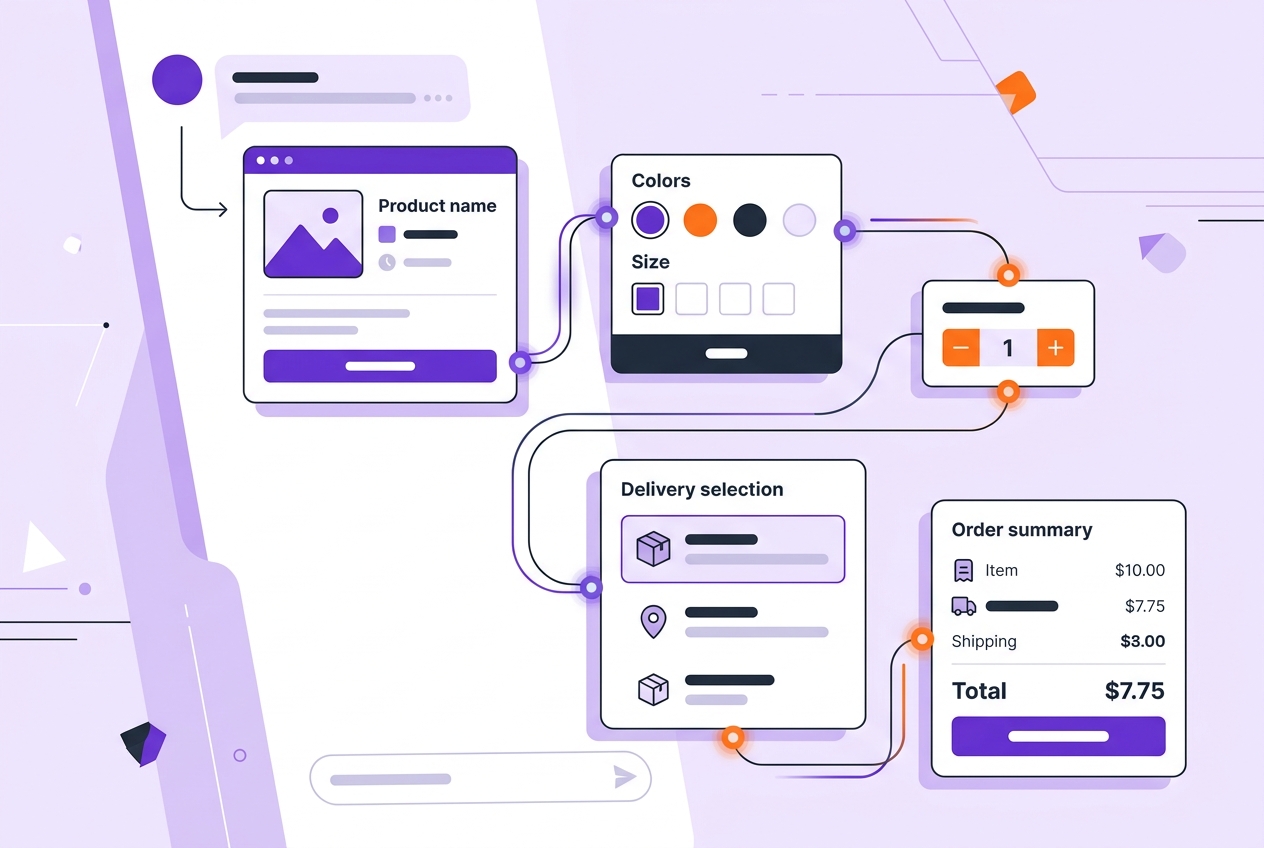
For e-commerce, category → product → color/size → quantity is a clear starting sequence. If price or inventory changes, validate it against a current source instead of relying on fixed text. If validation has not happened, do not present the result as a confirmed order.
Appointment and service requests
You can collect the service and a preferred time range. Until calendar availability has been checked, describe the result as a request and explain when the customer will receive a response rather than calling it a confirmed appointment.
Preliminary orders and support records
Product, quantity, delivery preference, and notes can become a structured record. Handle payment, identity verification, and other sensitive steps through the business’s approved secure infrastructure. If payment or inventory has not been verified, call the result a request.
How to design the flow
Choose one goal: a quote, an appointment, or product selection.
Separate required and optional fields.
Keep screens short and show conditional fields only when relevant.
Use a current source for changing price, inventory, and availability data.
Add review, correction, and retry options.
Define where the submission is stored and who follows up.
A typical e-commerce flow is category → product → variant → quantity → delivery details → summary → confirmation. Each step should have a clear error message and a way back.
Connect submissions to operations
Save responses to a structured table, add relevant tags, assign an owner, and start the required notification or task automation. Supsis WebApps, WhatsApp Business API, chatbot, Dynamic Tables, and Automation modules can be evaluated as parts of this chain. The right combination depends on the channel, data source, and integration requirements.
Permission, security, and human handoff
Before launch, check the current WhatsApp Business and Meta requirements. Template, opt-in, message-initiation, and conversation-window rules can depend on the account and use case. Explain why each field is requested, keep marketing consent separate from information needed for support or an order, and define access, retention, and deletion practices.
If the user cannot complete the flow, offer a retry, a shorter alternative, or a live-agent handoff. A full web experience may be better for very large catalogs, advanced comparisons, large file uploads, or complex payment steps.
Pre-launch checklist
Is the goal clear and limited to one task?
Are the screens readable on mobile?
Are all required fields truly necessary?
Are invalid inputs explained and correctable?
Are price, inventory, and availability current?
Can the user review and change the summary?
Is the response written to the correct table?
Have tagging, assignment, and automation been tested?
Are consent, retention, and live-agent handoff ready?
Conclusion
A WebApp inside a WhatsApp chat can simplify forms, product selection, appointment requests, and preliminary orders when the flow is focused. A reliable implementation also needs current data, secure handling, an operational record, testing, and a human handoff.
Frequently asked questions
Is a WhatsApp WebApp the same as WhatsApp Web? No. WhatsApp Web is the desktop interface; a WebApp is an interactive task experience opened from a chat.
Can a product selector be built inside WhatsApp? It may be possible when the channel, account, and integration requirements are met. Product, price, and inventory should be validated.
Can a WebApp process payments? That depends on the approved payment setup. If payment is not complete, describe the result as a request rather than a confirmed order.
Where are form responses stored? They can be saved to a structured table, CRM, or another suitable integration.
What if the user cannot finish the flow? Offer a retry, a shorter alternative, or a live-agent handoff.